
This article describes the experience of learners using the Microsoft Phish Report button that is integrated with Phriendly Phishing.
Important Differences
The biggest difference between the integrated Microsoft phish reporter and the existing Default Phriendly Phishing
add-in for the learner experience is
- The Microsoft phish reporter is completely integrated and requires no additional authentications or permissions for learners.
- The Microsoft phish reporter will send the emails to Phriendly Phishing and learners will be notified on the type of email (eg: Simulated phishing, Training emails etc) via email instead of immediately getting a popup after reporting.
User Experience in Email Reporting
- Learners will be able to report emails using the Microsoft Report Button.
- They will be able to 'Report Phishing' or 'Report junk'
Once the email is reported, they will be prompted to a confirmation message.
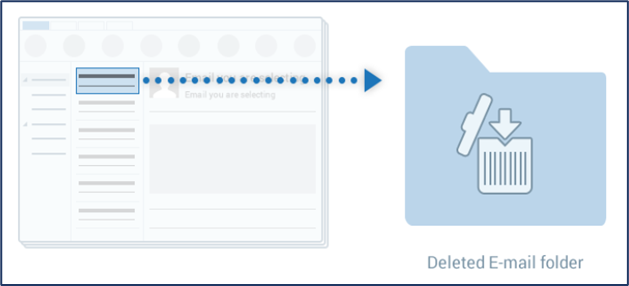
Note : This will only appear if you have enabled it in the settings. This message can also be customised for either 'Phishing' or 'Junk'.- The email will be automatically forwarded to the security email and moved to the Deleted email folder in Outlook.
The reported email will then be evaluated by Phishing Phriendly and a feedback email response will be sent to user who reported it based on what type of email was reported. The feedback email will be sent from "support@feedback.phriendlyphishing.com". (For instance: Simulated Phishing, Training, Questionnaire, Safe, Other)
Reminder :
- This may take up to a few minutes based on the email flow.
- Please ensure you have whitelisted feedback.phriendlyphishing.com
If "Disable Email Responses To Learners" have been enabled in settings then learners will not receive automated email responses after reporting a suspected phishing email.
Comments
Article is closed for comments.